
IPTV Smarters Pro Mac Tutorial: How to Stream IPTV UK Seamlessly
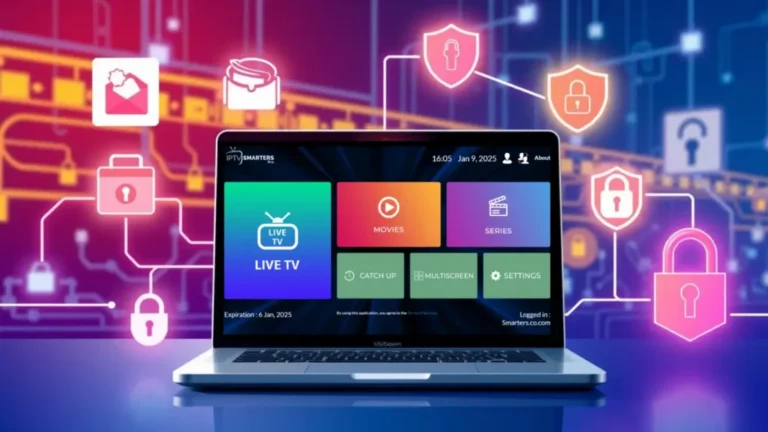
Step 1: Prepare Your Mac
-
Make sure your Mac is running the latest version of macOS for compatibility.
-
Check that your internet connection is stable (at least 15–20 Mbps for HD streaming).
-
If you plan to use an IPTV subscription, have your M3U playlist URL or Xtream Codes API details ready.
Step 2: Install an Android Emulator (Optional)
Since there’s no native Mac version of IPTV Smarters Pro, you’ll need an Android emulator like BlueStacks or Nox Player:
-
Go to the official BlueStacks website and download the Mac version.
-
Open the installer and follow the on-screen instructions to complete the installation.
-
Launch BlueStacks and sign in with your Google account.
Note: Some IPTV users may have access to a dedicated MacOS version or web player—check your IPTV provider first.
Step 3: Download IPTV Smarters Pro APK
-
Visit the official IPTV Smarters website to download the APK file, you can check the android tutorial here.
-
Save the file to an easy-to-access location on your Mac.
Step 4: Install IPTV Smarters Pro on the Emulator
-
Open BlueStacks or your chosen emulator.
-
Drag and drop the APK file into the emulator window, or use the “Install APK” option.
-
Wait for the installation to complete. The IPTV Smarters Pro app icon will appear in the emulator.
Step 5: Launch IPTV Smarters Pro
-
Open the app inside the emulator.
-
Accept any permissions prompts that appear.
-
Choose Login with Xtream Codes API or Load Your Playlist/File URL depending on your IPTV provider.
Step 6: Enter Your IPTV Credentials
-
Input your username, password, and server URL for Xtream Codes, or paste the M3U playlist link.
-
Click Add User. Your channels, movies, and series will load automatically.
Step 7: Optimize Your Viewing Experience
-
Adjust video quality based on your internet speed.
-
Enable the EPG (Electronic Program Guide) for TV schedules.
-
Organize channels and create favorites lists for easier navigation.
Step 8: Enjoy Streaming IPTV UK on Mac
You’re now ready to watch live TV, on-demand content, and sports from your IPTV UK subscription using IPTV Smarters Pro on MacOS.
Alternative IPTV Players for Mac
While IPTV Smarters Pro is highly recommended, you can also explore:
-
TiviMate: Popular for its clean interface and easy playlist management.
-
Perfect Player: Lightweight and highly customizable for MacOS emulators.
-
Hot IPTV: Fast playback with EPG and multi-playlist support.
These alternatives work with most IPTV UK subscriptions and give you options if you prefer a different layout or feature set.
Alternative Setup Options on MacOS
While using an Android emulator is the most common method, some IPTV providers offer a web player or a dedicated MacOS app. If your IPTV UK subscription includes these options, you can:
-
Open the web player in Safari, Chrome, or Firefox.
-
Log in with your IPTV credentials (M3U URL or Xtream Codes).
-
Stream directly without an emulator, which reduces CPU usage and improves performance.
This can be particularly useful for older Mac devices with limited processing power.
Organizing Channels and Playlists
Once your IPTV Smarters Pro Mac app is running, you can manage your channels efficiently:
-
Create categories: Group channels by genre (sports, movies, news, kids).
-
Favorites list: Quickly access your most-watched channels.
-
VOD library: Easily navigate on-demand movies and series included in your IPTV UK subscription.
A well-organized playlist improves the overall viewing experience, especially if your subscription includes hundreds of channels.
Advanced Features for IPTV Smarters Pro Mac
IPTV Smarters Pro isn’t just a media player; it also offers advanced features for MacOS users:
-
Multi-screen support: Watch two channels simultaneously (requires compatible hardware).
-
EPG (Electronic Program Guide): View upcoming TV schedules to never miss live shows or sports events.
-
Custom player selection: Switch between internal and external players for smoother playback.
-
Time-shift and catch-up TV: Replay programs you may have missed, depending on your provider.
These features make IPTV Smarters Pro Mac a versatile solution for IPTV UK subscribers.